

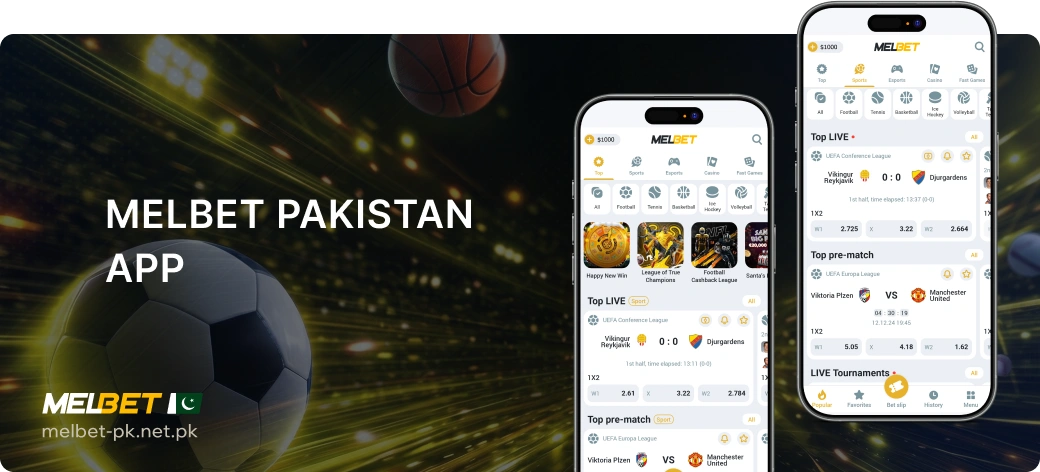
Adults in Pakistan can use MelBet through an Android app or a mobile browser. A native iOS app also exists, but whether it can be downloaded depends on the user’s App Store region. Check availability in your local App Store. This guide separates the installation routes from browser access so you can choose the appropriate option for your device.
Android APK and iOS Access Options
MelBet has a regional site for Pakistan linked from its official site. That web access is separate from App Store availability, which depends on the user’s store region.
| Platform | Access Route | Requirements | Availability Context |
|---|---|---|---|
| Android | Official app installed from an APK obtained through MelBet’s official website download section | At minimum, Android 5.0+, 1 GB RAM, approximately 100 MB free storage and a 1.2 GHz+ CPU | An APK is available; check the device requirements before installing |
| iPhone or iPad | Native app through MelBet’s official App Store link | The linked listing requires iOS 15.0+ for iPhone or iPadOS 15.0+ for iPad | Availability depends on your App Store region |
| Android or iOS | Mobile browser | A browser and an internet connection | Web access is an alternative to installation |
| iOS | Website added to the Home Screen from Safari | Safari and an internet connection | A home-screen web route, not the native App Store app or offline access |
Download and Install the Android APK
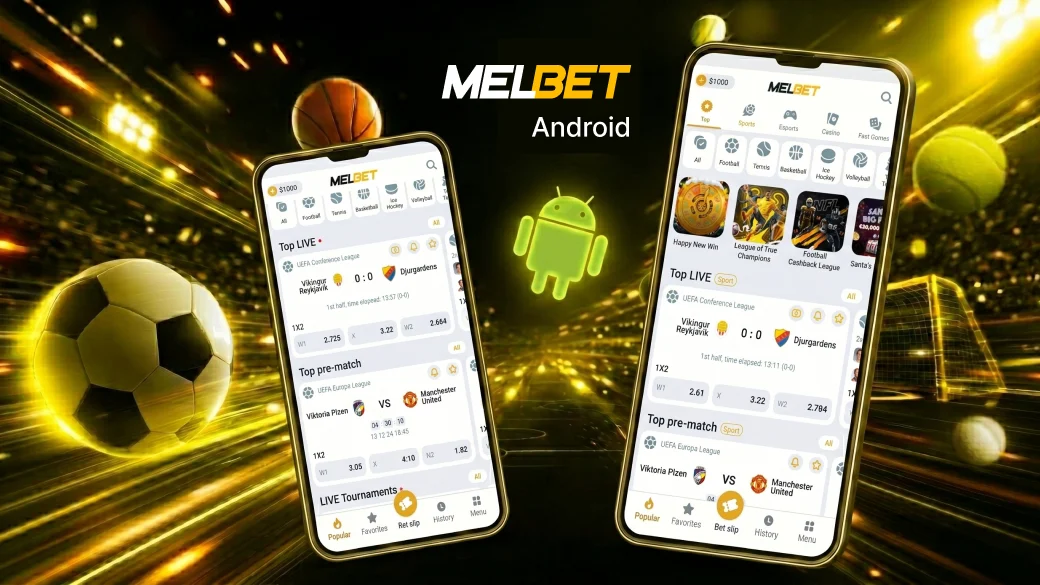
Obtain the Android APK from MelBet’s official website download section rather than a file shared through a message or an unrelated download page.
- On your Android device, open MelBet’s official website and find its app download section.
- Select the Android APK and let the file finish downloading.
- Open the downloaded APK and follow your device’s installation instructions.
- Launch the installed app with an internet connection. The app checks for updates when launched.
Downloading and installing are separate steps. If the download does not finish, check the connection and available space before trying again. If the file downloads but will not install, check the device requirements and installation permission instead.
Installation Permission and First Launch
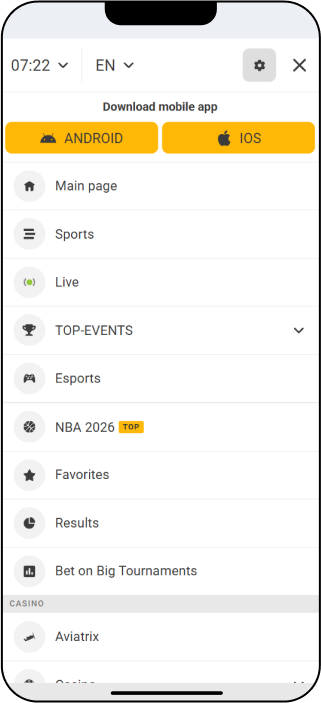
Android may require you to allow the browser or file-handling app that opens the APK to install apps from that source. Review the device’s request and grant permission only if you intend to install the APK obtained from MelBet’s official download section. The setting’s wording and location vary by device and Android version; you do not need to leave broader installation permissions enabled afterward.
At first launch, check whether the app opens and connects. An app that will not install, one that will not launch and one that opens but cannot connect are different problems. Identify which stage fails before downloading the APK again; reinstalling is not a universal fix.
Android Requirements and File Information
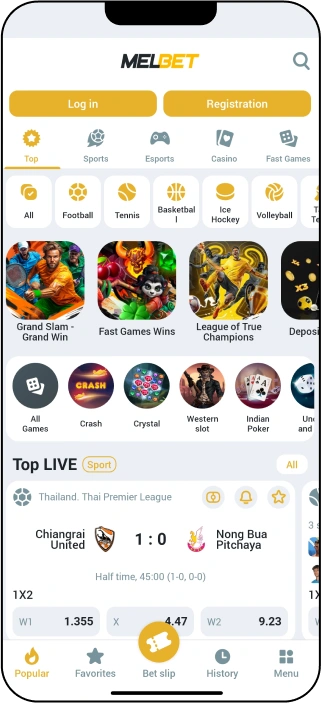
Android APK build 256.0.24 has a download size of 46.2 MB. Check the download page for later versions. The download size is also distinct from the free storage needed to install and use the app.
| Specification | Minimum | Recommended |
|---|---|---|
| Android version | Android 5.0+ | Android 6.0+ |
| RAM | 1 GB | 2 GB |
| Free storage | Approximately 100 MB | Approximately 150 MB |
| CPU | 1.2 GHz+ | 1.5 GHz+ |
Android device examples include Samsung Galaxy A42, A51, A73, S20 and S21; Xiaomi Redmi Note 6-9, Xiaomi 13 and 14; Realme GT3 and C75; Honor Magic 5 Pro; and Vivo X200 Pro. They are examples rather than a guarantee for every device configuration. Check the Android version, memory and free storage of the device you intend to use.
iPhone and iPad Access
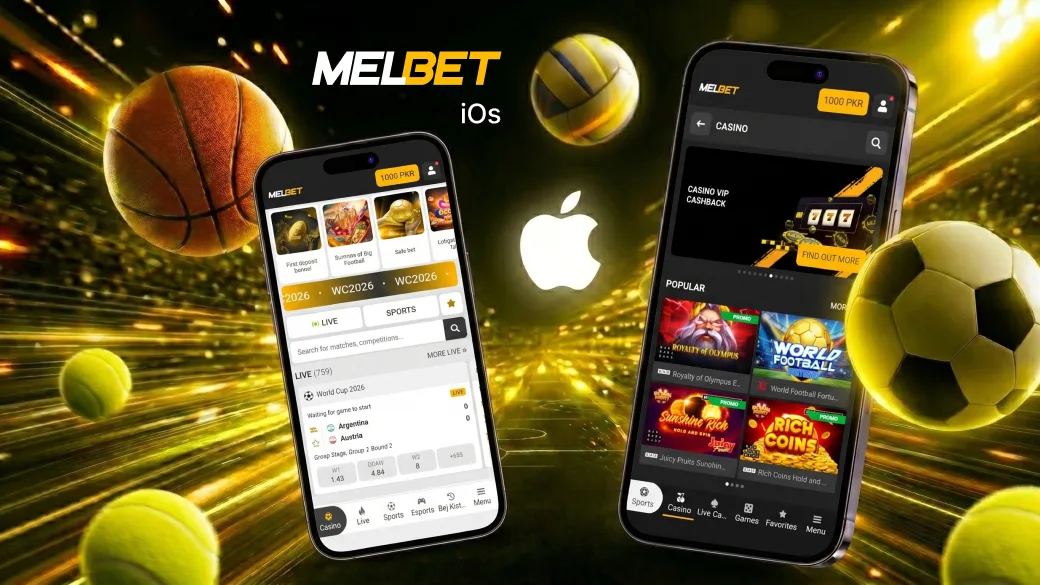
MelBet has a native iOS app and a separate Safari-based web route. The native app’s availability depends on the user’s App Store region. If it cannot be obtained in that region, browser access remains an option without implying that a native app does not exist.
Native App Store App and Regional Availability
The native iOS listing gives an app size of 264.9 MB for version 256.0, dated 6 August 2026. Check the listing available in your App Store region before downloading.
The linked listing specifies iOS 15.0+ for iPhone, iPadOS 15.0+ for iPad and iOS 15.0+ for iPod touch. It also lists Mac support on Apple M1 or later with macOS 12.0+, and visionOS 1.0+. App Store availability still depends on the region.
Where MelBet’s official App Store link is available in your region, use it to obtain the native app and its updates. If the listing cannot be opened or the app cannot be obtained, check regional availability and consider the Safari route instead.
Safari and Home-Screen Web Access
Safari provides access through MelBet’s website without installing the native iOS app. To make the web route easier to return to, you can add the site to the Home Screen:
- Open MelBet’s website in Safari.
- Use Safari’s sharing options and select Add to Home Screen if it is available on your device.
- Use the resulting icon to return to the website.
The home-screen route is web access, not an App Store installation. It still needs an internet connection for account access and betting.
App Features and Account Access
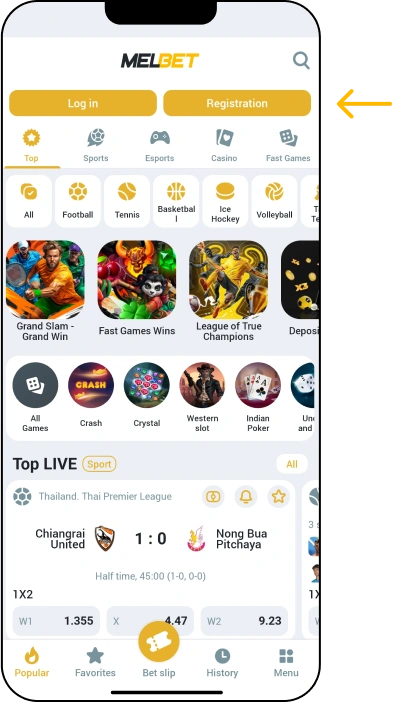
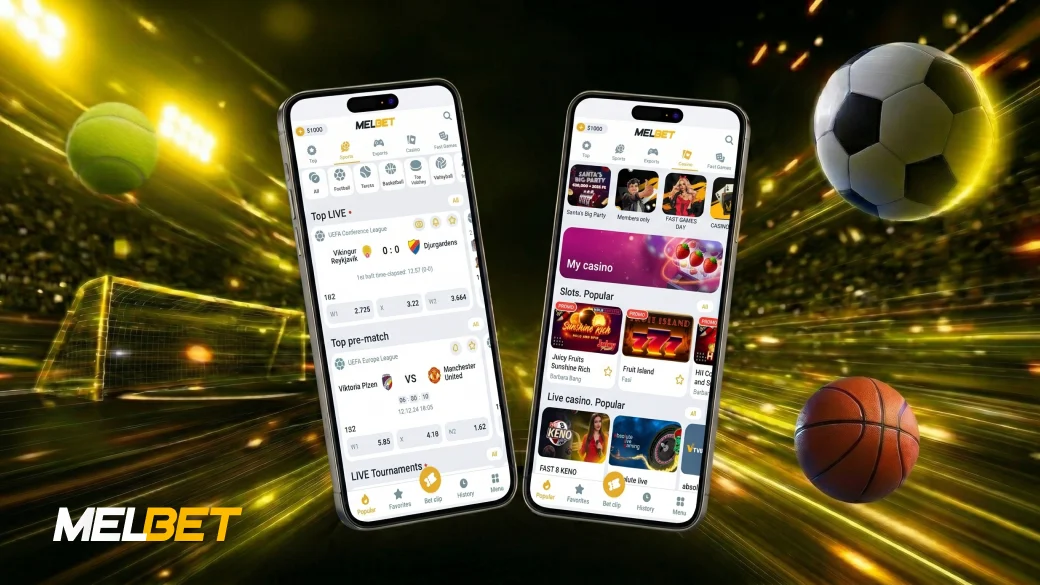
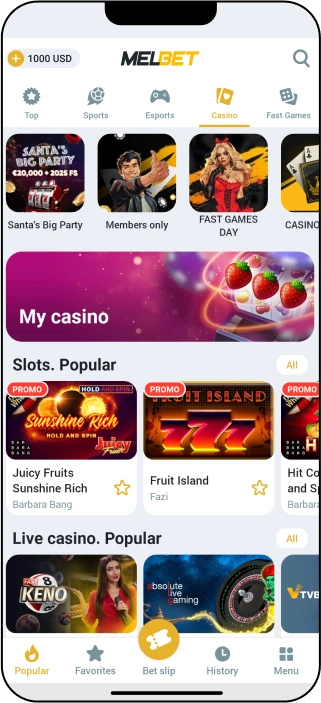
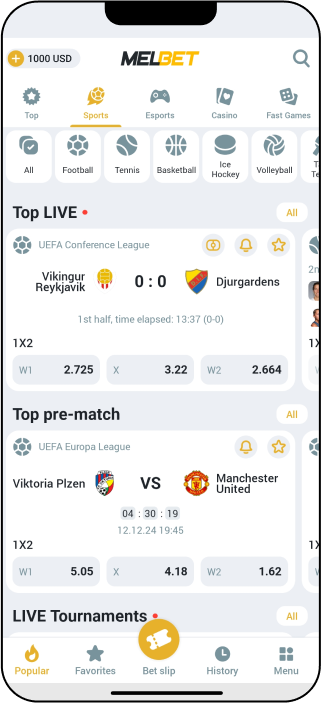
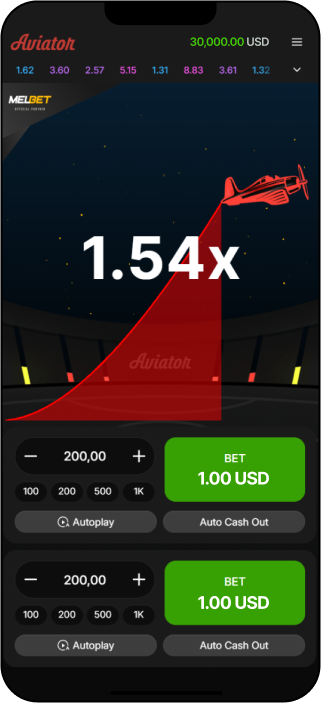
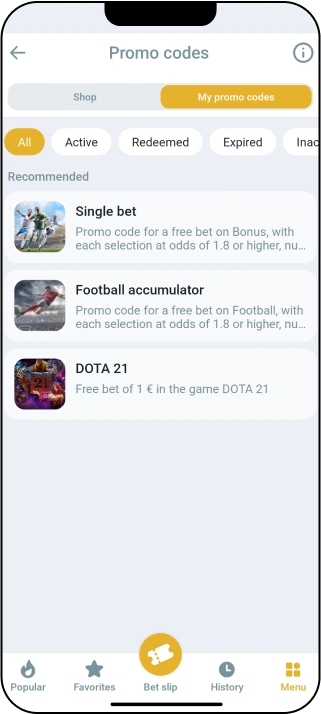
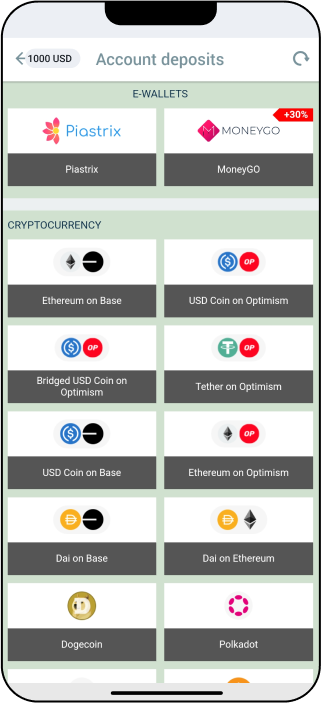
MelBet’s mobile features include sports and esports pre-match and live betting, with live streaming. Casino categories include slots, live casino and Fast Games. App settings include notifications and quick bets. Check the service for the availability of any particular event or game rather than assuming it from those categories.
The application offers 70 languages, including English, French, Arabic, Turkish, Persian, Spanish, Portuguese, Bengali, Russian, Japanese, Korean and Hebrew. Application languages are separate from the languages offered by customer support.
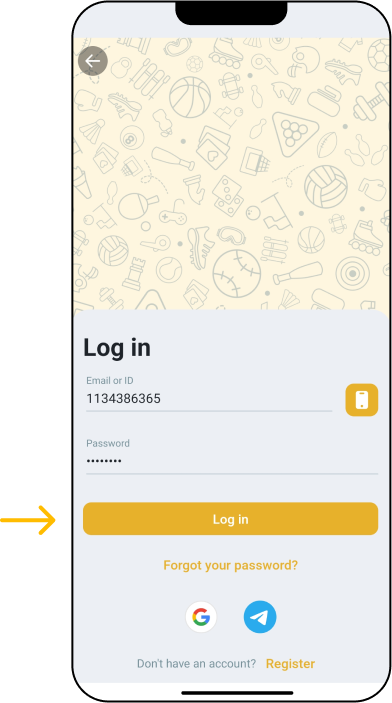
For an existing account, account login is a separate task from downloading and installing the app. Access options include PIN and biometric access and two-factor authentication. MelBet also has security and anti-fraud controls; users should still protect their account credentials. KYC procedures and identity verification apply under its official Terms.
MelBet states an 18+ requirement. Its Responsible Gambling policy includes deposit limits, temporary suspension and self-exclusion tools. These are account-control options, not app-exclusive features or cashier transaction limits.
Updating the App
The Android app checks for updates when launched. If an update is offered, follow the app’s instructions and keep APK downloads tied to MelBet’s official website rather than an unrelated source. Where the native iOS app is available in your App Store region, use its official App Store listing for updates. Neither route establishes a fixed update schedule.
Android build 256.0.24 is separate from the iOS version history below:
| iOS version | Date on the linked listing |
|---|---|
| 256.0 | 6 August 2026 |
| 255.0 | 2 June 2026 |
| 253.0 | 26 March 2026 |
| 251.0 | 31 January 2026 |
| 4.24 | 29 December 2025 |
The notes for iOS version 256.0 mention general app improvements, bug fixes and keyword metadata changes. They describe that listed release, not the Android build or every subsequent update.
Download, Installation and Connection Problems
Start with the stage where the problem occurs. A stalled download calls for different checks from an APK that will not install or an app that opens but cannot connect.
| Issue | Check | Next Step |
|---|---|---|
| Android APK will not download | Check the internet connection and whether there is space for the download | Retry from MelBet’s official website download section when the connection is stable |
| Downloaded APK will not install | Check Android 5.0+, the minimum RAM and free-storage requirements, and permission to install from the source used | Address an unmet requirement or device permission before trying to install again |
| App installs but will not launch properly | Check the connection and whether the app presents an update when launched | Follow an offered update through the official route; if the problem remains, contact support outside the app |
| Native iOS listing cannot be obtained | Check availability in your local App Store | Use Safari for web access if the native app is unavailable in your region |
| App opens but cannot connect | Check whether other pages load on the device and whether browser access works | Try the mobile browser route or contact MelBet customer support if the problem persists |
For an unresolved app problem, MelBet lists customer support through live chat, email and a contact form. The supplied customer-support email is info-en@melbet.com, and the phone number is +442038077601. Security concerns can be sent to security@melbet.com. Email and phone provide ways to seek help when the app itself will not open. MelBet lists support as 24/7 and in English and Urdu; that general statement does not specify the hours of each individual channel.
FAQ
Where is the APK obtained?
Get the Android APK from MelBet’s official website download section. A file from an unrelated page or message is not that download route.
Which Android requirements apply?
The minimum is Android 5.0+, 1 GB RAM, approximately 100 MB free storage and a 1.2 GHz+ CPU. The recommended specifications are Android 6.0+, 2 GB RAM, approximately 150 MB free storage and a 1.5 GHz+ CPU. The 46.2 MB APK size is the download file size, not the free-storage requirement.
Is there a native iOS app?
Yes. MelBet has a native iOS app, but access depends on App Store region. Check the listing in your local App Store.
Can I use Safari?
Yes. Safari provides mobile-browser access, and you can add the website to an iOS Home Screen as a web route. This does not install the native app or provide offline account access.
How do updates work?
The Android app checks for updates when launched. Native iOS app updates use the official App Store route where the app is available in the user’s region. The listed version details above do not establish an update timetable.